
外掛說明
Personal Chat Room adds a facility to allow your customers to chat with one another. Here They can questions with another users and can get the answers
from another users of your website.
For any bug or report or error or suggetions or feedback, you can post the support
Basically It has the following features :
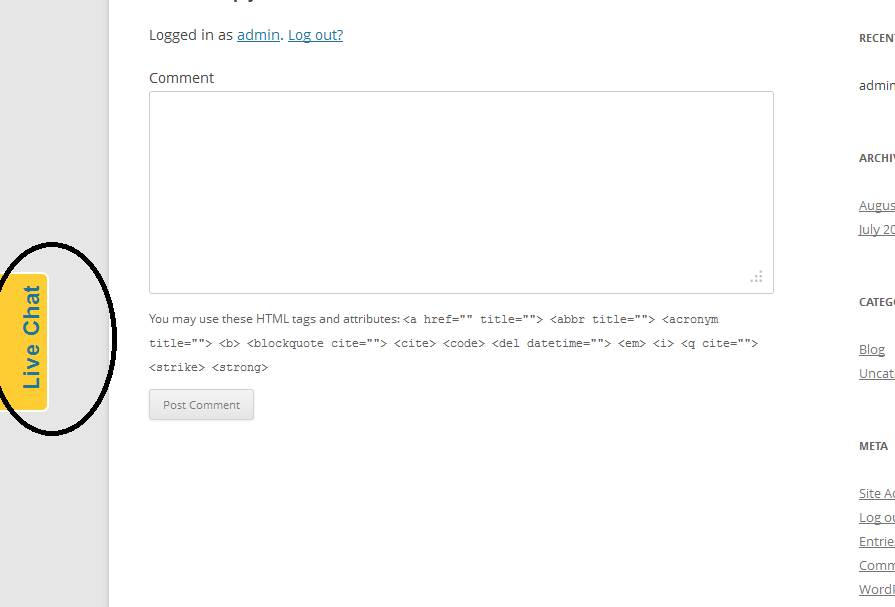
* Add a sidebar button to your site to allow your customers to chat
* Add shortcode PERSONAL_CHAT_ROOM to any page or post to activate the plugin
* Private Chat (Premium Feature)
螢幕擷圖


安裝方式
Here is what you need to do:
- Install plugin OR unzip the downloaded file to /wp-content/plugins/
- Go to your plugin settings and enable the plugin.
- Go to “Chat Room” link and save the configuration
- save your database configuration using dashboard
- Add
PERSONAL_CHAT_ROOMshortcode to your header, post, page or widget
使用者評論
這個外掛目前沒有任何使用者評論。
參與者及開發者

變更記錄
1.0
- First Version
1.1
- Remove some bugs