
外掛說明
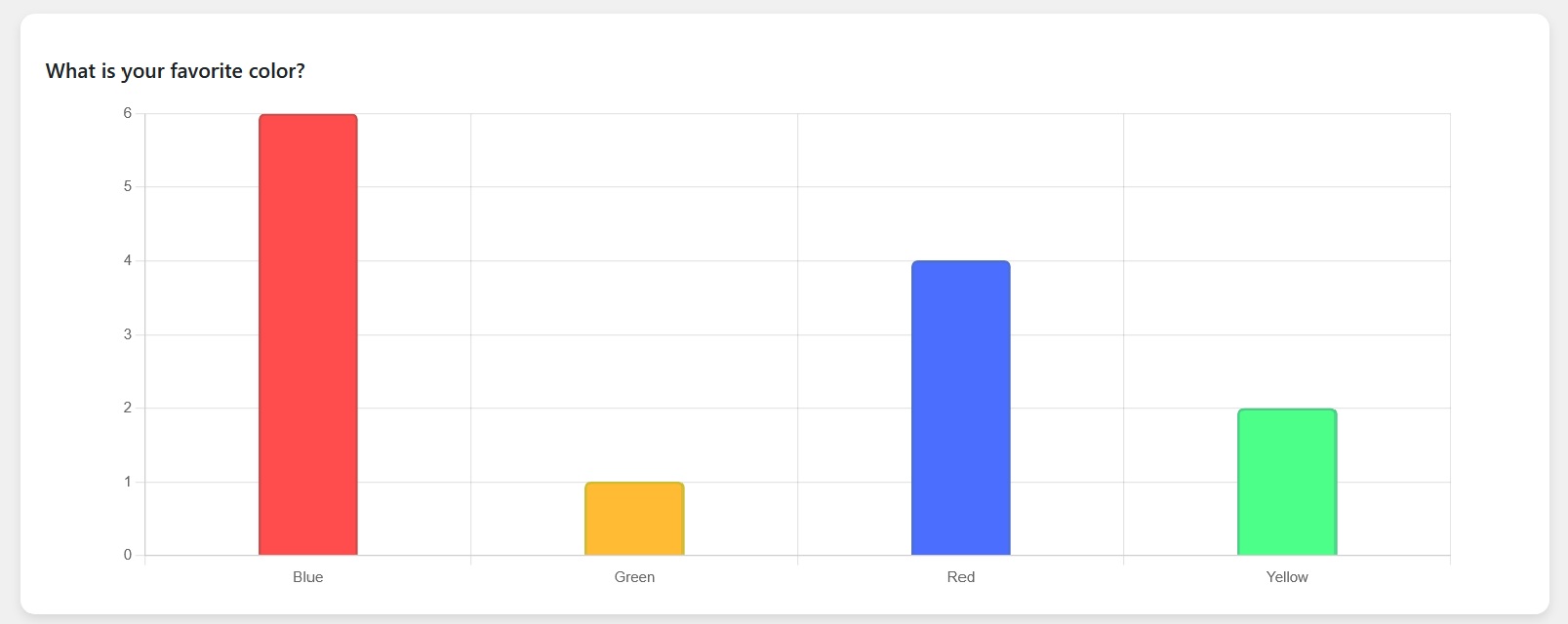
Using this plugin you can create multiple choice questions and display those questions to the users and see results in a graph.
You can either display all questions or you can display particular question/questions to users based on question ids
螢幕擷圖


安裝方式
- Upload the ‘snmcqs-quiz’ directory to the ‘/wp-content/plugins/’ directory
- Activate the plugin through the ‘Plugins’ menu in WordPress
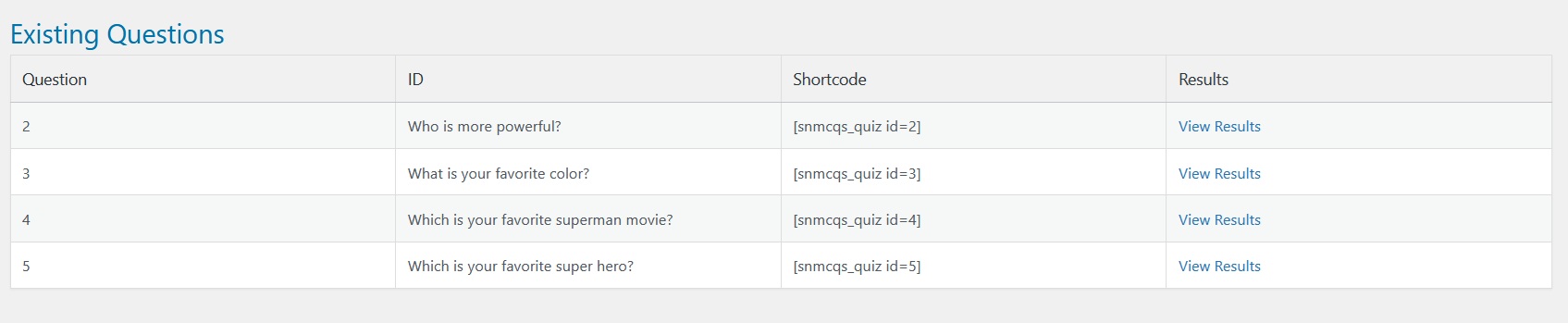
- Add questions that you want to ask to your users from admin menu “SNMCQ Quiz -> SNMCQ Quiz”
- Then whereever you want to display all question to users, write shortcode [snmcqs_quiz]
- If you to ask a specific question from users, write shortcode [snmcqs_quiz id=”1″]
- You can also display more than one questions to users, write shortcode [snmcqs_quiz id=”1, 2, 3, 5″]
使用者評論
這個外掛目前沒有任何使用者評論。
參與者及開發者

變更記錄
1.0
- Initial release.