
外掛說明
The Simply Queue plugin is an absolute game-changer that empowers users to effortlessly create and manage an online queue on your WordPress website. With its seamless integration and incredibly intuitive interface, you can now offer a smooth, hassle-free experience for your visitors, all while streamlining your site’s operations like never before!
Key Features:
-
Admin Dashboard:
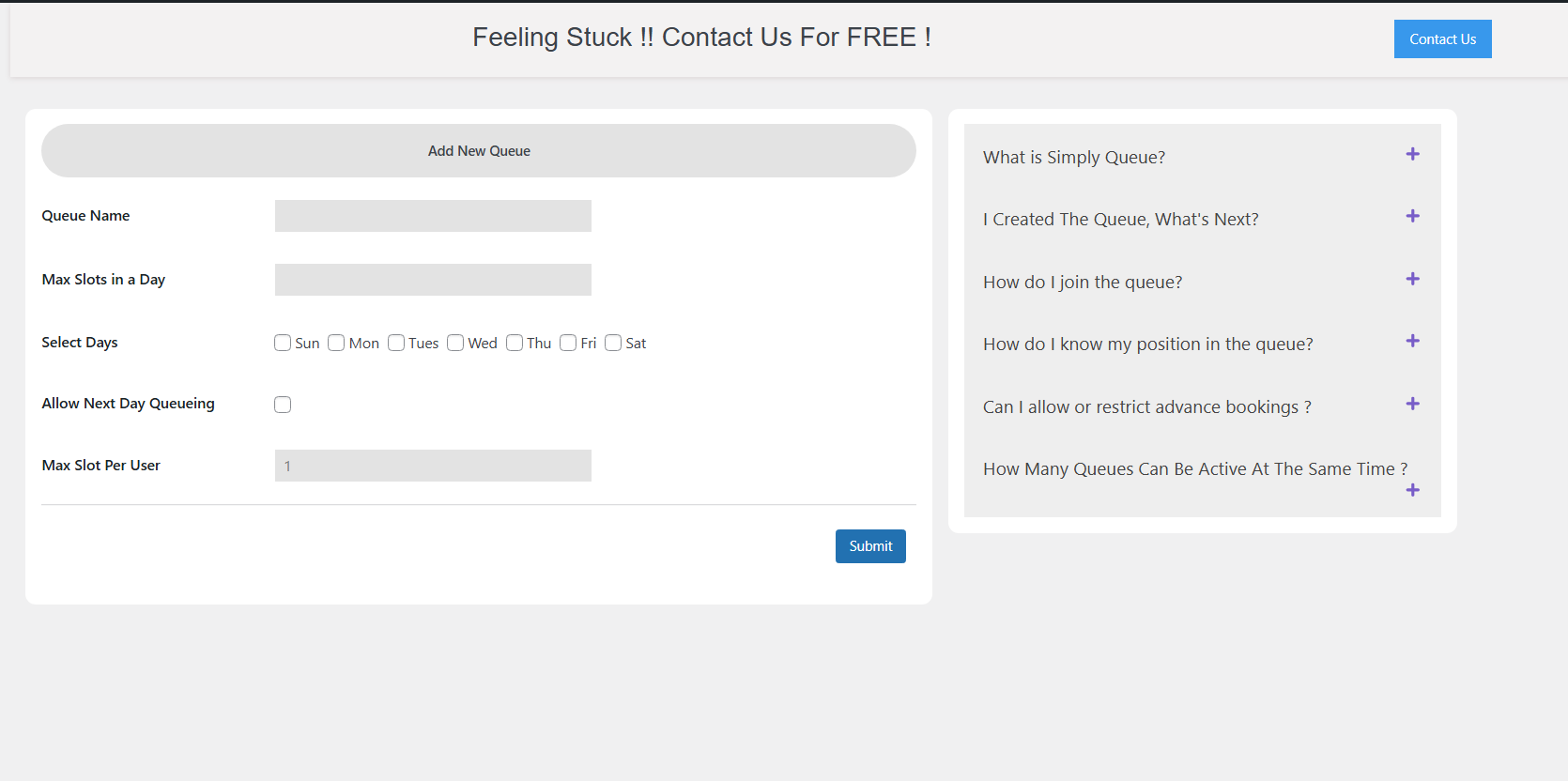
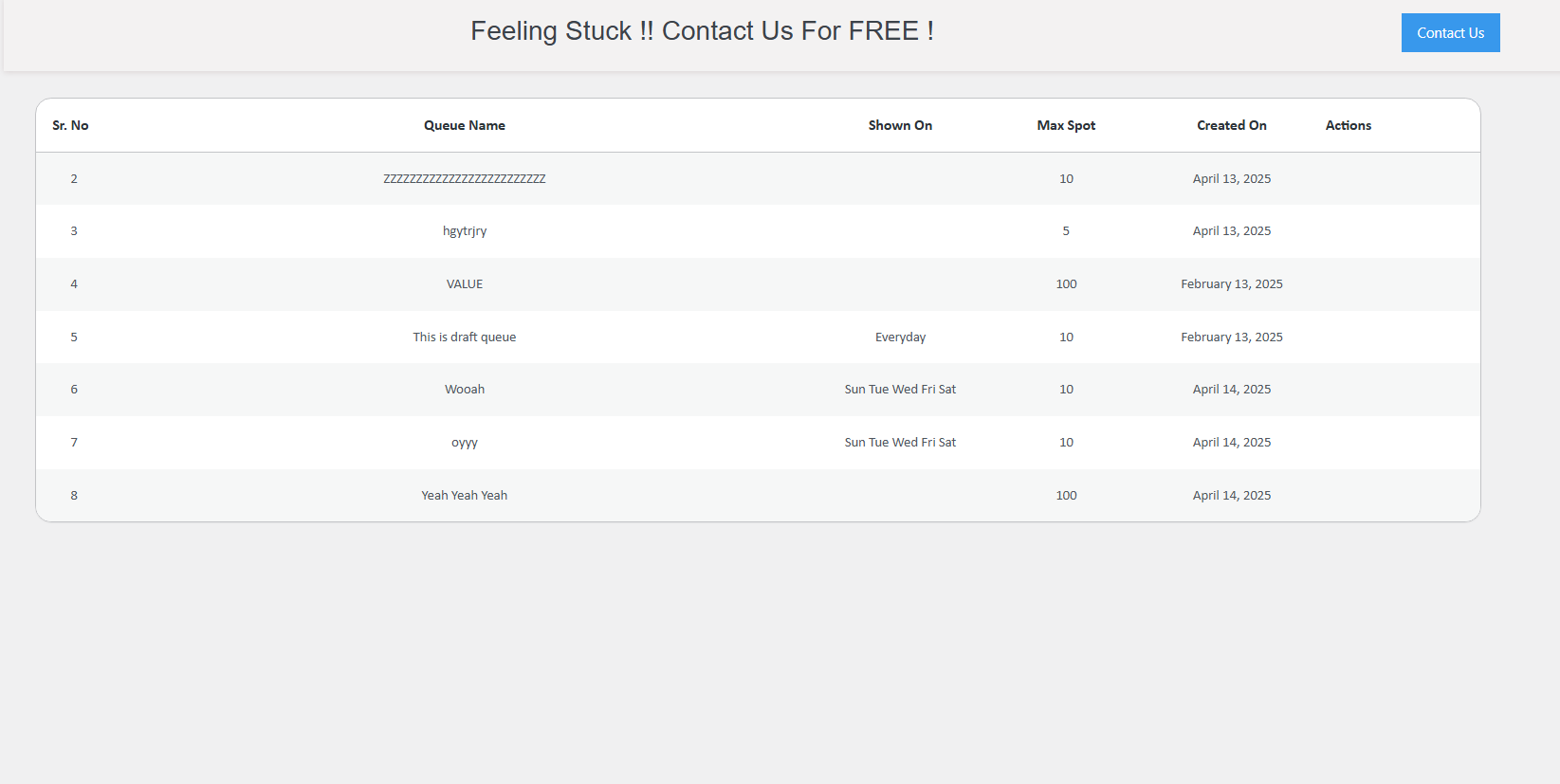
- Create and manage unlimited Queues
-
Visitor Registration:
- Allow users to register with basic details like name, email.
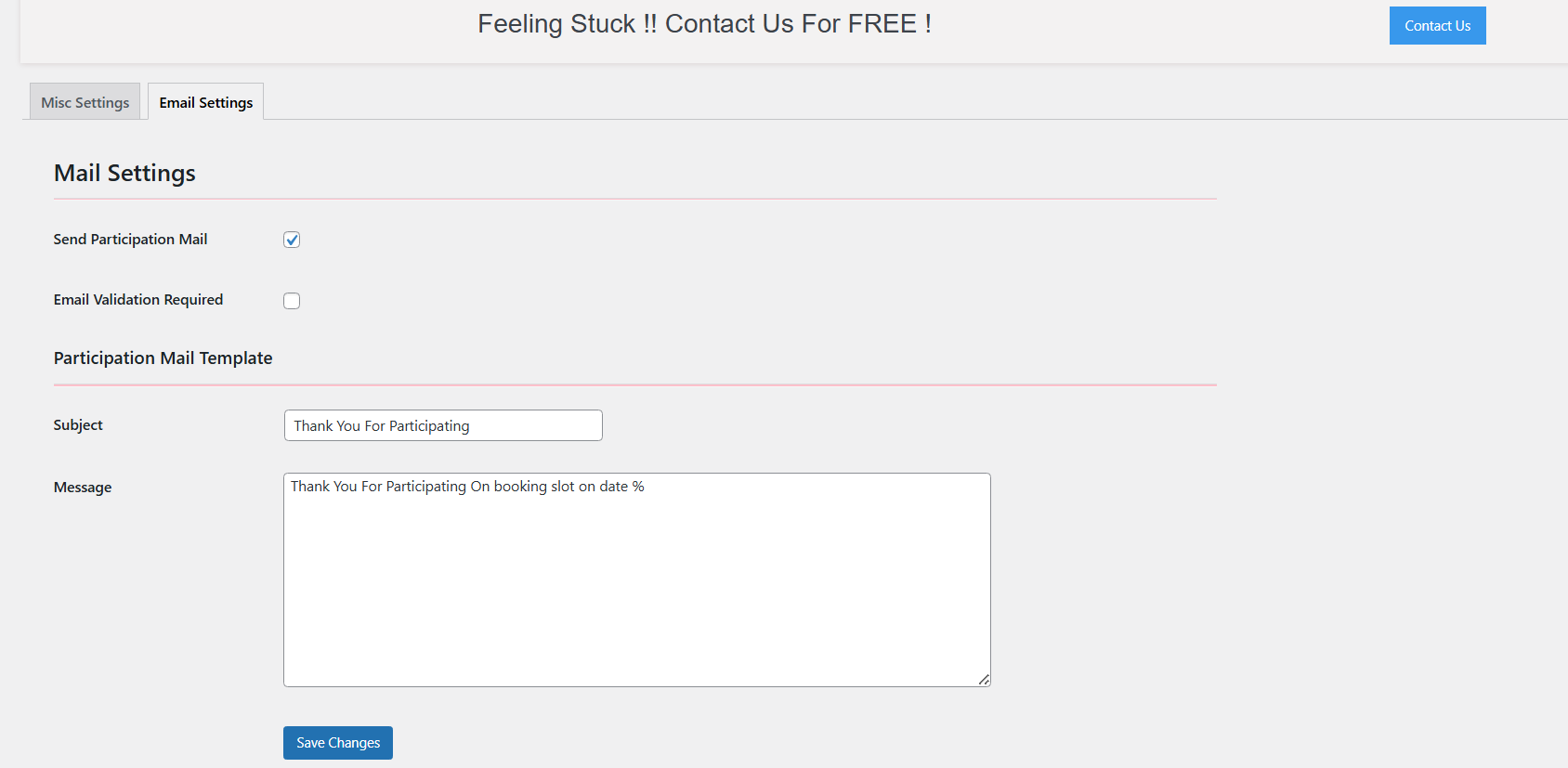
- Receive automatic confirmation emails or messages upon successful registration.
-
Elementor Widget For Lucky Draw Options:
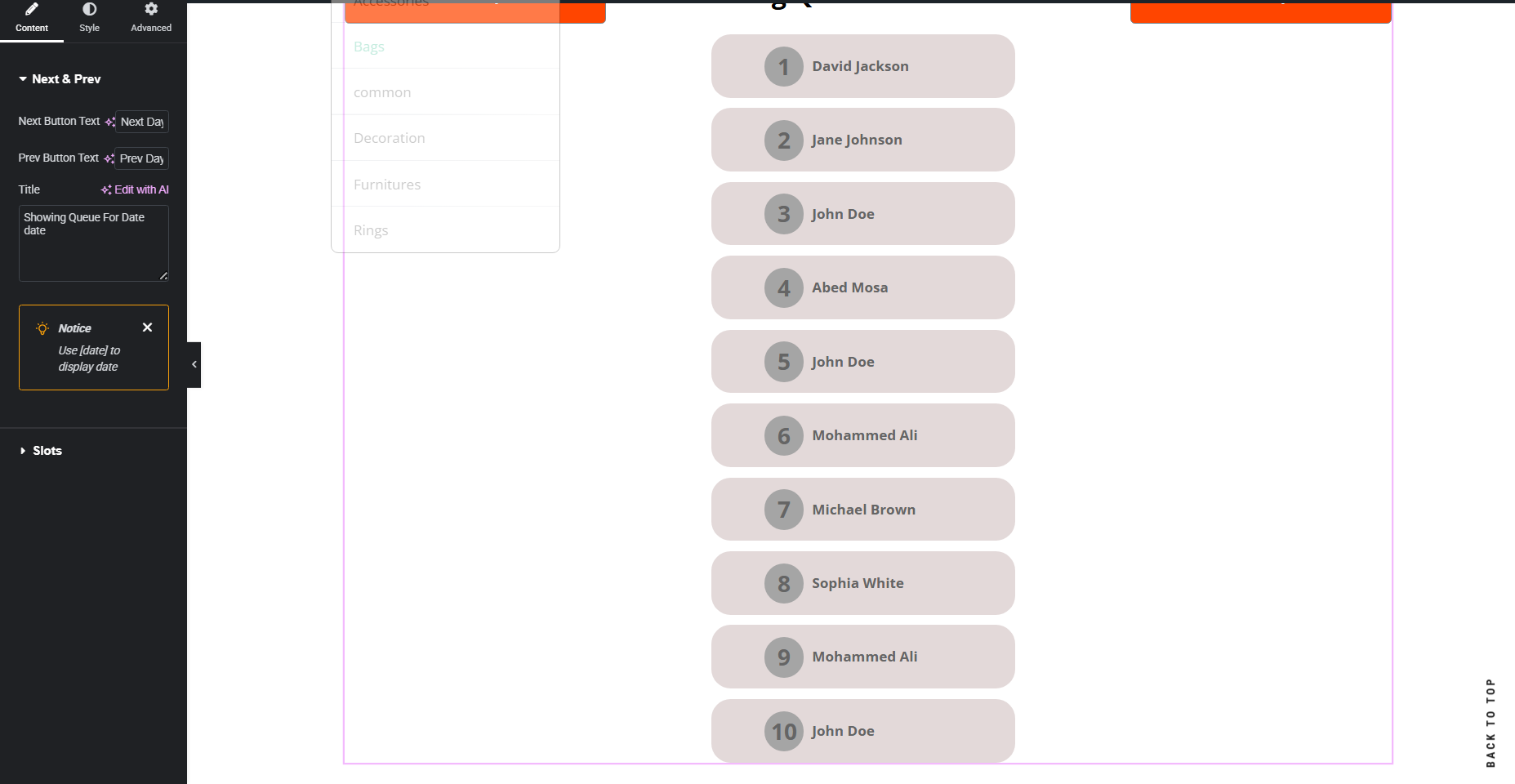
- Fully customize the look and feel of the Queues with elementor widgets to align with your brand’s theme.
-
Email Customization:
- Customize Participation Email.
-
Clean and minimal interface for both admin and users:
- Setup Queues with minimal settings.
Benefits for Admins:
- Effortlessly create, manage, and customize Queues.
- Manage Queues for advanced date
Features:
- Admins can create and configure queue sessions (e.g., per day).
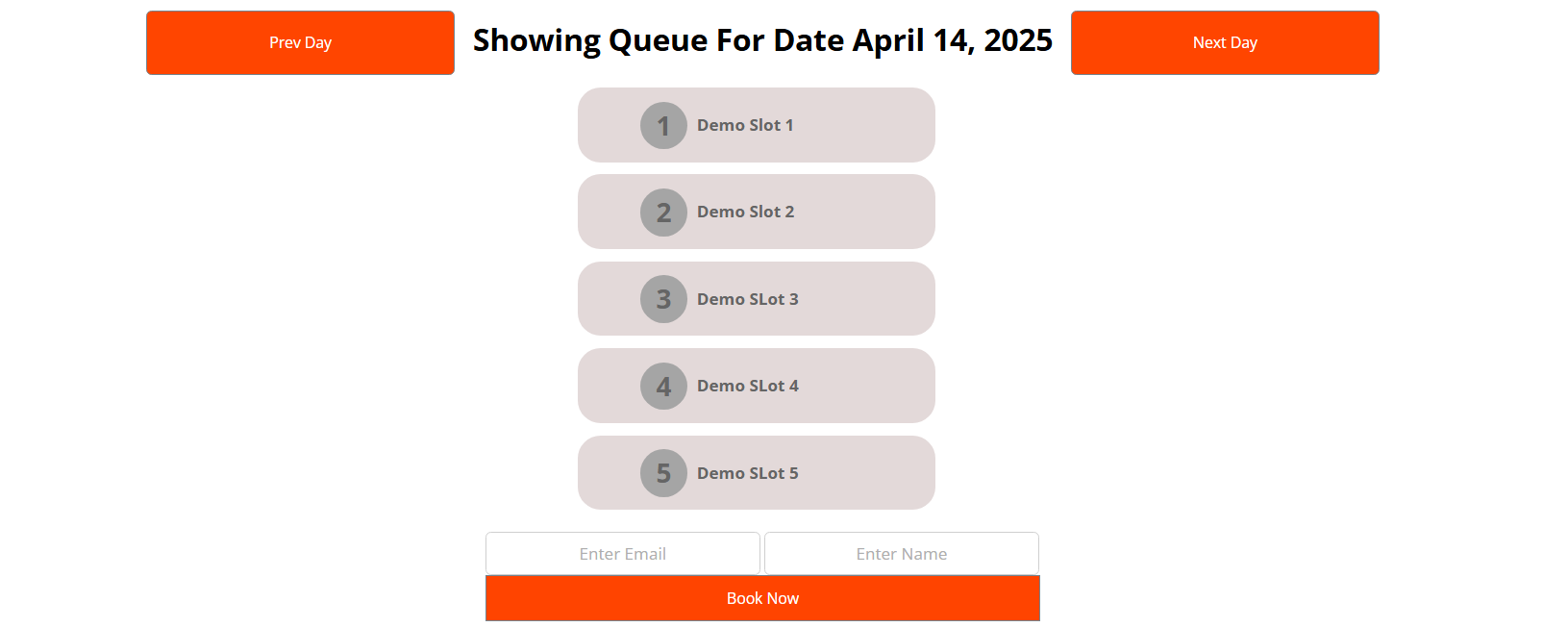
- Users can join queues for the current day or book in advance.
- Display current queue and upcoming bookings with shortcodes.
- Email confirmations and notifications (optional).
- Clean and minimal interface for both admin and users.
- Responsive and mobile-friendly design.
Use Cases:
- Salons and barbershops
- Clinics and hospitals
- Government or office appointments
- Customer service desks
- Event or workshop registrations
Support:
If you have any questions or need assistance, feel free to reach out to us at [owaisnew4377@gmail.com].
螢幕擷圖

安裝方式
- Upload the plugin files to the
/wp-content/plugins/simply-queuedirectory, or install the plugin through the WordPress plugins screen directly. - Activate the plugin through the ‘Plugins’ screen in WordPress.
常見問題集
-
What is Simply Queue?
-
Simply Queue is a booking and queuing system that lets you reserve a spot in a queue for today or schedule an advance booking for another day.
-
I Created The Queue, What’s Next?
-
1) After you have created the queue. You can insert the queue through our elementor widget named Slots And Action Button.
2) In Widget you must select the Queue name from the given options.
3) You can customize and edit the queues in the elementor to match your theme. -
How do I join the queue?
-
1) Just visit the booking page, select today’s date or a future date (if available), fill in the required details, and you’ll be added to the queue.
2) Email Verification might be need if verification is compulsory -
How do I know my position in the queue?
-
1) After registering, your queue position will be shown on the queue page.
-
Can I allow or restrict advance bookings ?
-
1) Absolutely. Simply Queue lets you enable or disable advance bookings, and you can also define how many days ahead users can book.
-
How Many Queues Can Be Active At The Same Time ?
-
1) You can place as many queues as you want .
使用者評論
這個外掛目前沒有任何使用者評論。
參與者及開發者

變更記錄
v1.0
Initial Release