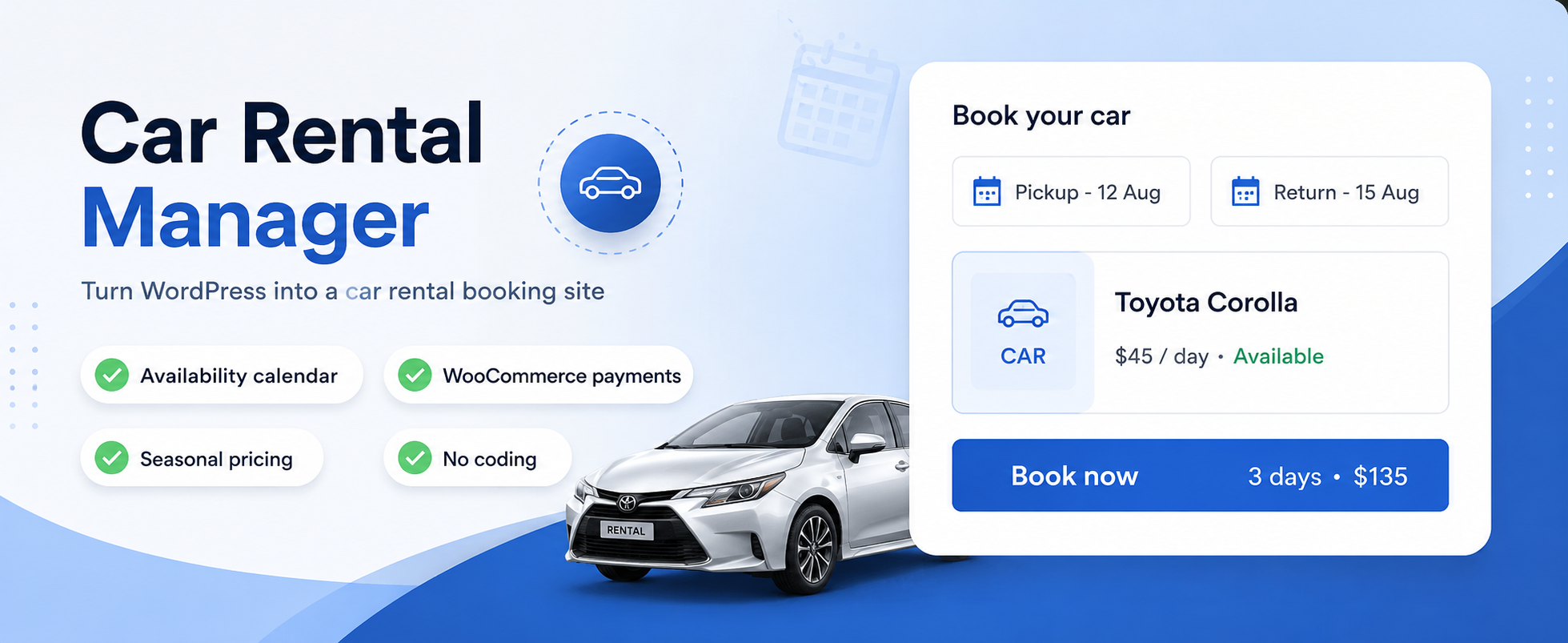

外掛說明
Launch your car rental business effortlessly with Car Rental Manager, a powerful and free WordPress plugin that lets you create a professional car rental booking system in just a few steps!
Whether you’re renting cars, scooters, vans, or any other vehicles, Car Rental Manager offers a robust and user-friendly solution to manage your rental business directly from your WordPress website. Perfect for entrepreneurs, small businesses, or web agencies, this plugin empowers you to set up a seamless booking system without coding expertise. With WooCommerce integration, your customers can enjoy a smooth booking process and secure payments, making your rental business both accessible and trustworthy.
The free version of Car Rental Manager includes a comprehensive set of features to get you started, with the option to upgrade to the Pro version for advanced functionality directly from your WordPress admin panel. Compatible with any WordPress theme, this plugin ensures a polished and professional booking experience that blends seamlessly into your website.
Car rental manager is an easy-to-use car rental booking management system that simplifies and streamlines car rental operations.
Let’s look at the key features that make the plugin more acceptable in its category.
Key Features:
-
⚡ Effortless Setup – Launch your rental system in minutes with a simple guided setup—no coding skills required.
-
🛒 WooCommerce Integration – Seamlessly manage bookings and accept secure payments via popular gateways.
-
💵 Flexible Pricing Options
- Tiered Discounts: Automatic discounts by rental duration or booking volume.
- Day-wise Pricing: Set different rates for specific weekdays.
- Seasonal Pricing (Free): Adjust prices for holidays or peak seasons.
-
🔁 Recurring Bookings – Allow customers to schedule repeat rentals for consistent business.
-
📅 Advanced Booking Control – Define how far in advance customers can book.
-
⏰ 24/7 Availability – Support round-the-clock rentals for maximum convenience.
-
🚗 Vehicle Management – Create detailed vehicle profiles with images, features, and descriptions.
-
📆 Availability Calendar – Show real-time availability with an interactive monthly calendar.
-
✅ Streamlined Booking Flow – User-friendly, customizable front-end booking process powered by WooCommerce.
-
📦 Order & Admin Management – Track and manage reservations with an intuitive back-end dashboard.
-
🌍 Multi-Language Ready – Reach global customers with built-in translation and localization support.
-
🔗 Shortcode Support – Embed booking forms, calendars, and listings anywhere on your site.
-
📱 Responsive by Design – Optimized for desktops, tablets, and mobile devices.
Explore The Demo:
✅ Live Demo for Car Rental
✅ Online Documentation
Buy Pro Version:
Guideline
Shortcode:
[mpcrbm_booking form='inline' progressbar='no']
This is a simple shortcode that will display only the search form, similar to our homepage
[mpcrbm_booking form='inline' title='yes' progressbar='no' search_result='yes' ajax_search='yes']
This is a shortcode that you will decide when the title will show or not. If title=no, then the search form title bar will not show, and if search_result=’yes’ then the default search result will show with form, and if ajax_search=’yes’ then the search result will show as ajax, not a redirection.
This shortcode will show the form as an inline form, and it can also be a horizontal form, and the progressbar can be yes or no
[mpcrbm_booking form='horizontal' progressbar='no']
and also
[mpcrbm_car_list mpcrbm_left_filter='yes' style='grid' show='6' ]
This is a shortcode to display the car list with a left filter.
With Car Rental Manager, you can transform your WordPress site into a fully functional car rental platform in just a few steps:
- Install the free plugin from the WordPress repository.
- Add your vehicles, set pricing rules, and configure WooCommerce for secure payments.
- Embed the booking system on your site using shortcodes.
- Start accepting bookings and managing your rental business with ease!
This free plugin provides all the tools you need to kickstart your car rental business at no cost.
- Features like tiered discounts, day-wise pricing, and seasonal pricing give you the flexibility to compete in any market.
- WooCommerce integration ensures secure and reliable transactions.
- For advanced features like PDF export and form support, the Pro version is available directly from your WordPress dashboard.
External Services
This plugin does not call any third-party API or remote service on its own behalf. All booking, pricing, vehicle and location data is stored and processed locally in your WordPress database.
The car details page embeds a public Google Maps location preview via a standard <iframe src="https://maps.google.com/maps?..."> link (no API key, no data sent by this plugin beyond the location text used to build the map URL, which is only ever loaded in the visitor’s own browser). See Google’s Privacy Policy: https://policies.google.com/privacy
If the WooCommerce plugin is active, checkout and payment processing (including any communication with payment gateways such as Stripe or PayPal) is handled entirely by WooCommerce and the payment gateway’s own plugin/extension — not by Car Rental Manager. Refer to WooCommerce’s and your chosen payment gateway’s own documentation for details on what data they transmit.
螢幕擷圖


安裝方式
Download the car-rental-manager.zip file from the WordPress plugin repository. Log in to your WordPress admin dashboard. Navigate to “Plugins” > “Add New.” Click the “Upload Plugin” button at the top of the page. Choose the car-rental-manager.zip file and click “Install Now.” Once installed, click “Activate” to enable the Car Rental Manager WordPress plugin.
常見問題集
-
How the calculation works?
-
If a customer books for less than 24 hours, it would calculate the rent as one day; if more than 24 hours but less than 48, it would count as two days, and vice versa.
-
Can I add extra feature of a transport?
-
Yes, you can add extra features like seat number, car model, etc.
-
Can I offer extra service?
-
Yes you can offer extra services along with the car
-
Where do I report security bugs found in this plugin?
-
Please report security bugs found in the source code of the Car Rental Manager for WordPress plugin through the Patchstack Vulnerability Disclosure Program. The Patchstack team will assist you with verification, CVE assignment, and notify the developers of this plugin.
使用者評論

參與者及開發者
以下人員參與了開源軟體〈Car Rental Manager – Online Vehicle Booking System〉的開發相關工作。
參與者


變更記錄
1.4.0
Major release: a rebuilt admin experience, a single Branch Management workspace, customer-side booking self-service, and a redesigned front end.
New Features
* Vehicle replacement with customer approval — when the agency proposes a different vehicle for a confirmed booking, the customer now sees the proposed change (old vehicle, new vehicle and the stated reason) inside My Bookings and can accept or decline it, optionally with a note. Approval is ownership-checked and nonce-protected, and resolving a request clears its pending approval timeout.
* Booking activity timeline — cancellation and refund requests, modification requests and vehicle changes are now shown as activity on the booking card, so customers can follow the status of every request they raised.
* Step-by-step car setup wizard — the Add/Edit Car screen is now driven as an ordered wizard with a floating bottom bar: Back/Next, a progress ring, a “Step N of N” read-out, a clickable numbered rail and a Publish/Update action on the final step. Forward navigation is gated on required fields; a blocked step highlights the offending fields and names the step holding things up. Save Draft stays ungated.
* New [mpcrbm_car_list] shortcode — a standalone vehicle listing with grid/list layouts, paging and an optional left filter sidebar, e.g. [mpcrbm_car_list mpcrbm_left_filter='yes' style='grid' show='6'].
* New [mpcrbm_branch_search] shortcode — lets visitors find and browse rental branches from any page.
* Multi-Location Fee settings — per-location pickup/drop-off fee configuration now has its own settings module, moved out of Price Settings so location pricing is managed in one place.
* Guideline page — an in-admin reference covering setup steps, shortcodes and their attributes, reachable from the plugin’s own sidebar.
Admin Redesign
* New admin shell — every plugin screen now renders inside a unified layout: plugin sidebar navigation, screen header, publish/update top bar with live post status, and a consistent card-based content area.
* Branch Management workspace — branches, locations and their taxonomies are consolidated into one screen instead of separate menu items, with a modern list view and inline actions. The sidebar item was renamed from “Locations” to Branch Management.
* Branch Managers — creating a branch manager account now happens in a redesigned modal with inline validation, so a user and their branch assignment are created in a single step.
* Extra Services manager — rebuilt with a modern list, search and add/edit flow, and clearer per-service pricing controls.
* Status page — the system status screen was rebuilt with grouped environment cards (WordPress & site, server, PHP limits, uploads, WooCommerce mail configuration) and actionable recommendations instead of a flat table.
* Demo data importer — reworked for reliability and clearer progress feedback while importing sample vehicles, branches and settings.
* Vehicle taxonomies (Car Type, Fuel Type, Seating Capacity, Brand, Make Year, Features) now share the same tabbed management UI as the rest of the plugin.
Front-end Redesign
* Car details page rebuilt with a scoped CSS-variable design system and a fully responsive layout — no theme overrides required.
* Car list, branch cards, branch search, registration form and My Bookings restyled to match the new design language.
Improvements
* Mobile: the settings tab bar now scrolls horizontally instead of wrapping, the Extra Service Options table scrolls instead of overflowing the page, and a legacy fixed width that broke card panels below 900px was removed.
* The active settings tab is remembered per vehicle across page reloads.
* Toggle switches show a centered loading state and an eased open/close animation while their panel loads.
* The shared FAQ / Terms & Conditions / Related Rental toolbar wraps instead of clipping its actions, and the Related Rental indicator now reflects the real selection count.
* Clearer labels: “Multi-Location Settings” is now “Multi-Location Fee”.
Fixes
* Fixed a fatal error on add-to-cart when another MagePeople booking plugin was active. The woocommerce_add_cart_item_data callback returned null on its early exits, which every later callback on that filter received in place of the cart-item array — producing a 500 response and a generic booking failure. Both exits now return the cart item data unchanged.
* Fixed publishing a car silently doing nothing when a required field sat in an inactive (hidden) tab: browsers refuse to submit a form containing an invalid control they cannot focus, so the save failed with no message. All steps are now validated up front and the offending step is opened.
Security
* Fixed a PHP Object Injection vulnerability (Patchstack) reachable by users with the Editor role. Serialized post meta is now unserialized with allowed_classes => false, so no class is ever instantiated and no __wakeup()/__destruct() magic method can run. Object placeholders are stripped recursively, which also closes the nested-object bypass. The date/time settings sanitizer and the vehicle-duplication meta copier, previously unpatched, are now covered as well.
1.3.9
- Admin: Redesigned the Car Rental status dashboard with grouped environment cards and setup recommendations.
- Admin: UI polish — mobile-friendly settings tabs, persisted active tab, toggle loading state and clearer setting labels.
1.3.8
- Security: Plugin-wide hardening pass (SQLi / XSS / CSRF / access control / file handling audit). Blocked an arbitrary post-meta write in Price Settings by validating the target meta key against an allow-list and requiring
manage_optionsplus a nonce; added the missing capability checks to the feature handler and the FAQ / Terms save and delete handlers; added nonce verification to the cart-empty action to close a CSRF hole; and removed an unauthenticated AJAX registration on the extra-service endpoint.
1.3.7
- Security: Fixed a Broken Access Control vulnerability (Patchstack) in the front-end review handlers. Unauthenticated visitors could edit or delete guest-submitted reviews by supplying a comment ID and the public review nonce. Edit/delete are now restricted to comment moderators and the logged-in review author.