

外掛說明
Anti-Spam Filter for Gravity Forms is a lightweight yet powerful tool designed to protect your Gravity Forms from spam submissions. This plugin integrates seamlessly with Gravity Forms and adds advanced anti-spam features to your form submissions.
Important: This plugin requires Gravity Forms 2.5 or higher to function properly.
The plugin automatically detects and filters out spam submissions based on customizable settings. It ensures that only legitimate entries are received by your forms. Whether you’re dealing with keyword-based spam, Cyrillic text, or want to add an extra layer of security, this plugin has you covered.
Key Features:
– Gravity Forms Integration: Works seamlessly with Gravity Forms to protect your forms from spam.
– Keyword-Based Spam Filtering: Block form submissions containing specified keywords you define.
– Cyrillic Text Detection: Automatically filter out submissions with Cyrillic characters, commonly used in spam.
– Customizable Subject Prefix: Add a customizable prefix (e.g., “SPAM Alert”) to flagged form submissions.
– Multiple Form Protection: Specify which Gravity Forms to protect by defining form IDs.
– Simple Configuration: Easy-to-use interface with toggle switches to enable or disable features.
Ensure your Gravity Forms stay clean, secure, and spam-free with Anti-Spam Filter for Gravity Forms.
License
This plugin is licensed under the GPLv2 or later. See the full license at https://www.gnu.org/licenses/gpl-2.0.html.
螢幕擷圖
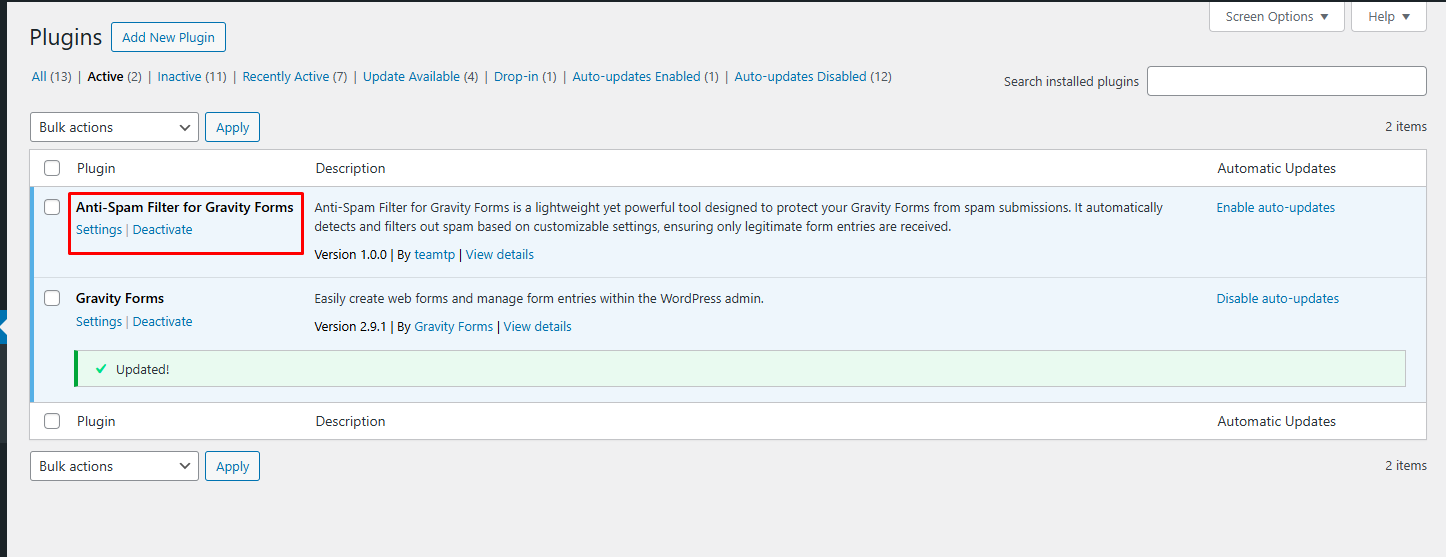
Screenshot 1 
Screenshot 2 
Screenshot 3
安裝方式
- Install Gravity Forms: Before using this plugin, ensure that the Gravity Forms plugin is installed and activated on your WordPress site.
- Upload the
gravity-forms-anti-spam-filterfolder to the/wp-content/plugins/directory. - Activate the plugin through the ‘Plugins’ menu in WordPress.
- Navigate to the plugin’s settings page to configure the anti-spam features for your Gravity Forms.
常見問題集
-
Do I need Gravity Forms to use this plugin?
-
Yes, Anti-Spam Filter for Gravity Forms requires the Gravity Forms plugin to be installed and activated to function properly.
-
How do I enable the anti-spam filter?
-
Go to the plugin settings page in your WordPress admin panel, and use the toggle switch to enable or disable the anti-spam filter for your Gravity Forms.
-
How can I add custom keywords to block spam?
-
In the plugin settings, you can add a list of keywords that will be used to block unwanted form submissions. You can easily modify the keyword list anytime.
-
Can I filter Cyrillic characters?
-
Yes, the plugin automatically detects and filters out form submissions containing Cyrillic characters, which are often used in spam messages.
使用者評論

參與者及開發者

變更記錄
1.0.1
- Compatible with the Pro edition.= 1.0.0 =
- Initial release of the Gravity Forms Anti-Spam Filter plugin.
- Includes features for keyword filtering, Cyrillic text detection, and customizable subject prefixes.