

外掛說明
Creates a custom post type that allows WordPress content to populate the body of emails sent through a user’s Mailchimp account utilizing their developer api. This plugin is software as a service. It provides the integration with the paid third party service Mailchimp.
Features
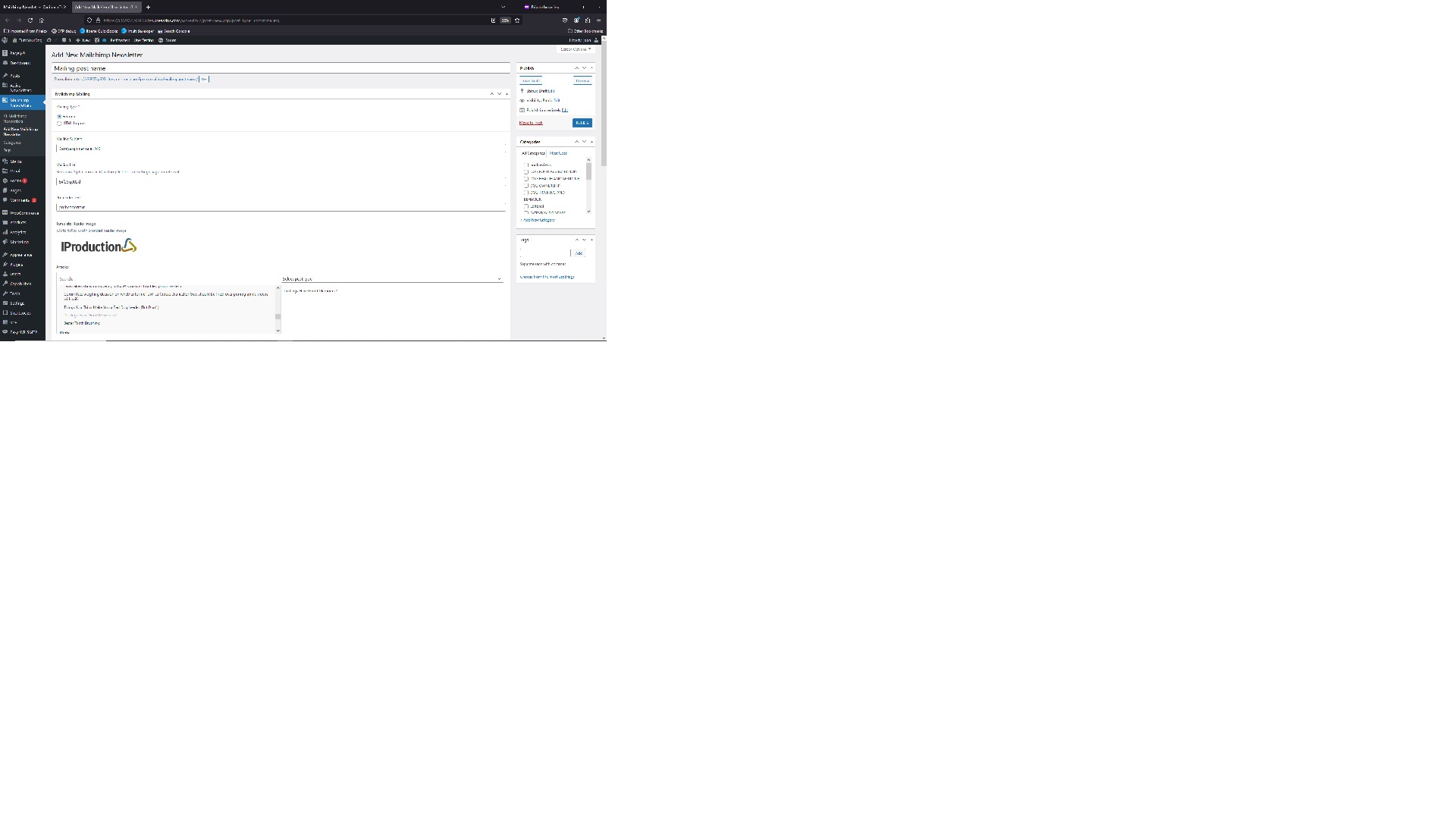
- Basic Editorial Template populated by posts
- HTML import feature
- optional advertisements
- optional link encoding
- html preview
- api integration to send test emails and stage or schedule future mailings
- existing mailing cancellation feature
Links
Refunds page –
https://www.iproduction.com/ip-newsletters-for-mailchimp-wordpress-plugin-refund-policy
螢幕擷圖


安裝方式
From your WordPress dashboard
- Visit Plugins > Add New
- Search for “IP Newsletters for Mailchimp”
- Activate Advanced Custom Fields from your Plugins page
- Click Settings > IP Newsletters for Mailchimp
- Read the documentation to get started
常見問題集
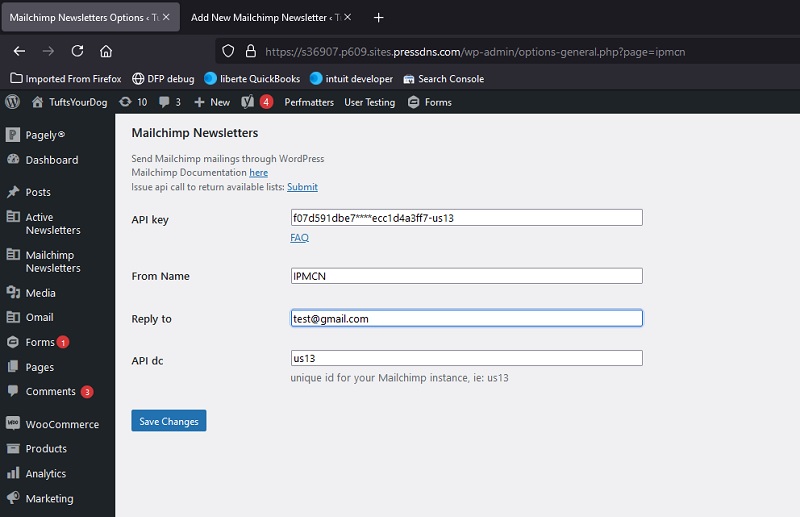
-where do I find the ids of my Mailchimp Lists? Answer: Go to the plugin’s WordPress options page (/wp-admin/options-general.php?page=ipmcn). Click on Submit after Issue api call to return available lists.
使用者評論
這個外掛目前沒有任何使用者評論。
參與者及開發者

變更記錄
1.1
Release Date – Product Launch
1.2
adding list lookup to settings
1.3
Release Date – 20 May 2026
required updates to support WordPress 7.0