

外掛說明
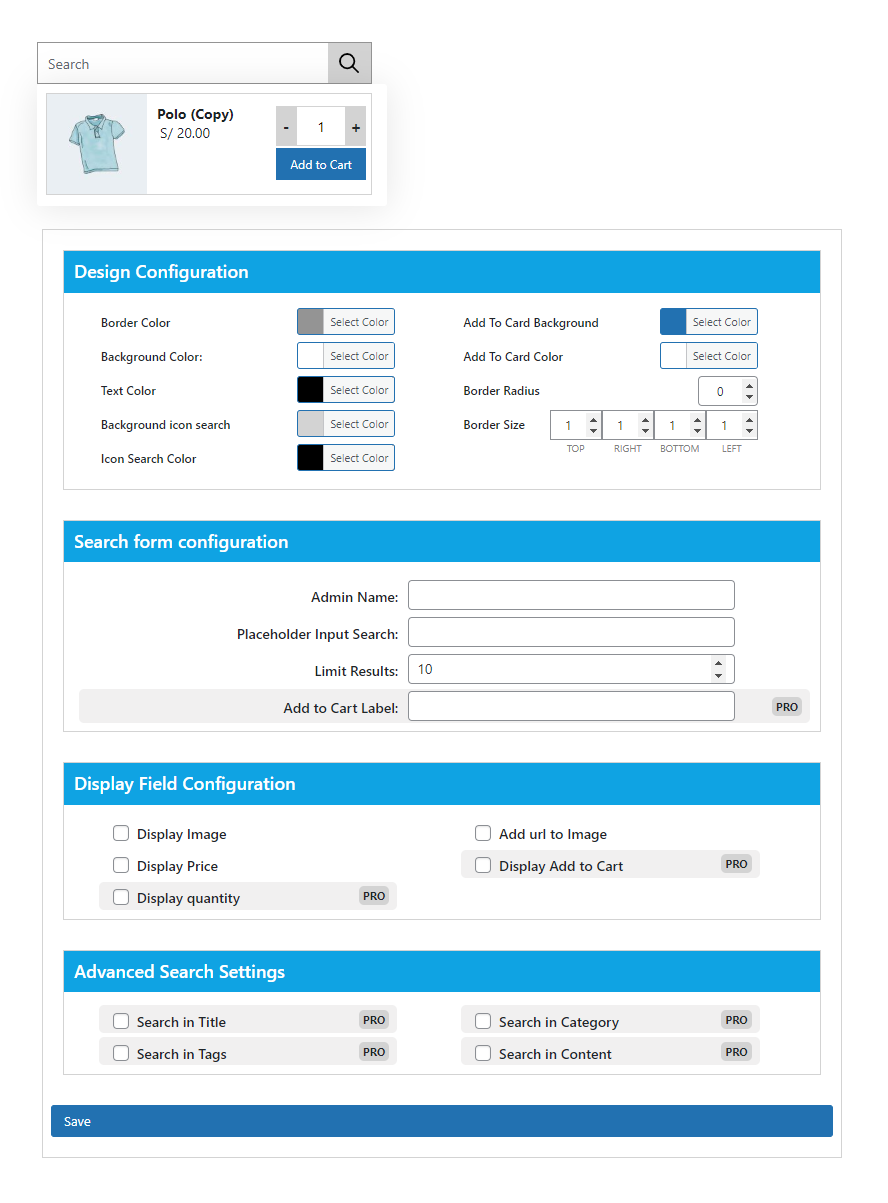
JC Ajax Search for WooCommerce allows you to create search forms with different settings to search for products without refreshing the page
螢幕擷圖

安裝方式
Minimum Requirements
- PHP 7.2 or greater is recommended
- MySQL 5.6 or greater is recommended
- Upload
jc-ajax-search-for-woocommercefolder to the/wp-content/plugins/directory - Activate the plugin through the ‘Plugins’ menu in WordPress
- Create the form with the desired settings
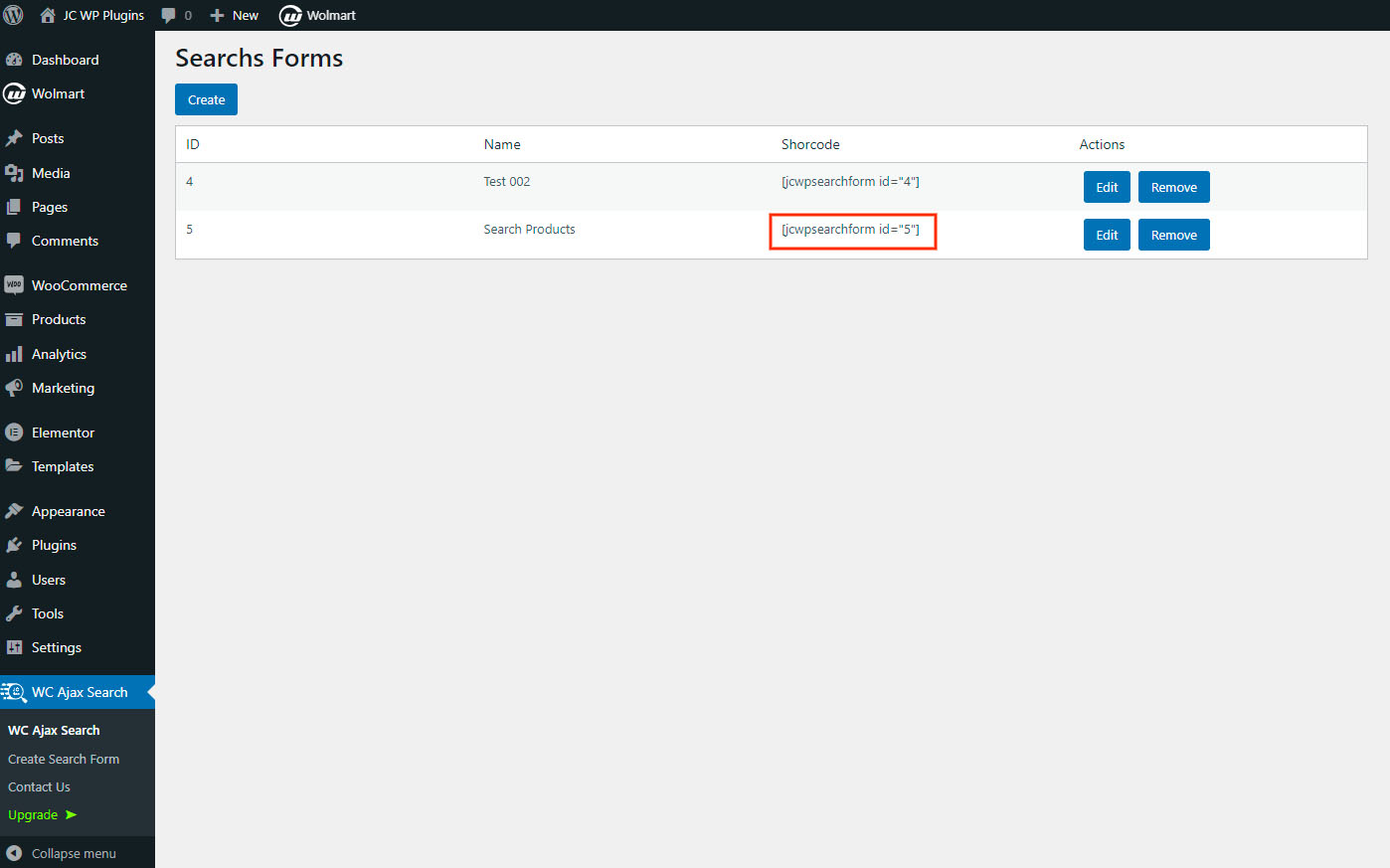
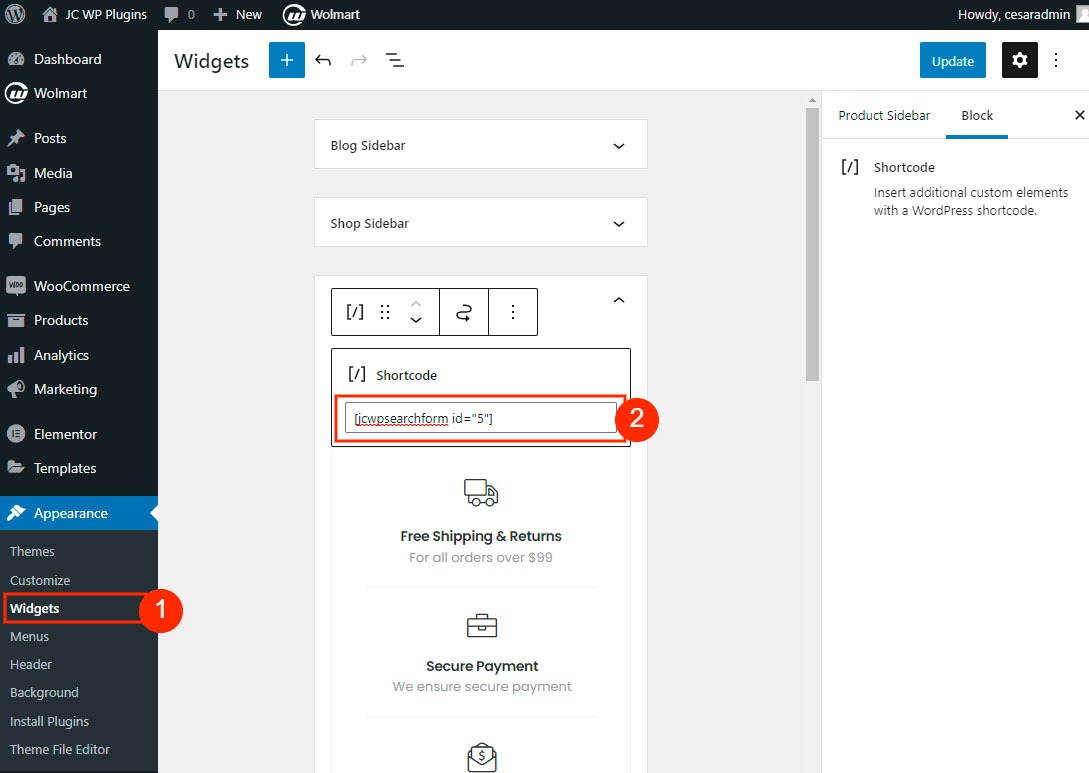
Copy the generated shortcode and add it where you want the search form to display
To add the shortcode in any template use
常見問題集
-
How do I begin working with this plugin?
-
First you need to create the form in the plugin admin area, the process is easy and intuitive.
使用者評論
這個外掛目前沒有任何使用者評論。
參與者及開發者

變更記錄
1.0.3
- Remove freemius SDK
1.0.2
- Add configuration options for layout colors
1.0.1
- Styles are added in configuration form
1.0.0
- Initial Plugin release