外掛標籤: menu order
-
-

Reorder Posts – Quick Post Type and Page Ordering
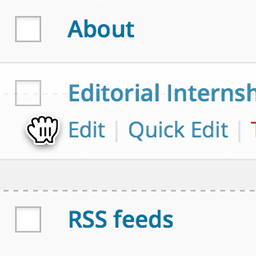
Quickly reorder posts, pages, and custom post types using an intuitive drag-and-drop interface. Reordering supports auto-sorting and nested pages.
-

Term Menu Order
Creates a 'menu_order' column to specify term order, allowing theme and plugin developers to sort term by menu order.
-
-

Per Category Product Ordering
Drag-and-drop product ordering for each WooCommerce category, applied on the category page when shoppers use "Default sorting".
-
-

Sortacular – Instantly Sort and Organize Select Admin Submenus Alphabetically
Install this timesaving plugin and sort select submenu items like Settings, Tools, and Appearance alphabetically, leaving Core items where they are.
-

Simple Front End Edit Buttons
Add edit buttons to the front end of your website. The buttons makes it easy to changing the order of a pages, adding pages, and editing pages.
-

Keep New Admin Menu Items in Bottom
WordPress plugin to keep new plugin admin menu items at the bottom of the admin menu.
-
-

Bulk Navigation Menu Reorder
Reorder multiple WordPress navigation menu items at once using a simple drag-and-drop interface built for large and nested menus.
-

AdminGrip
Reorder the WordPress admin menu directly in the sidebar with drag and drop. No settings screen.