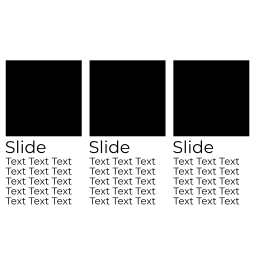
外掛說明
Creates a simple Swiper slider out of container elements. Flexbox has to be active.
How to use it
- create a horizontal container and give it an ID (Advanced – CSS ID)
- add multiple sub containers (those are the slides)
- add the
Slide everythingwidget somewhere in the page - set the ID of the container in “Slider ID”
- change some settings
- preview the page
Currently only working with one slider in your page!
螢幕擷圖
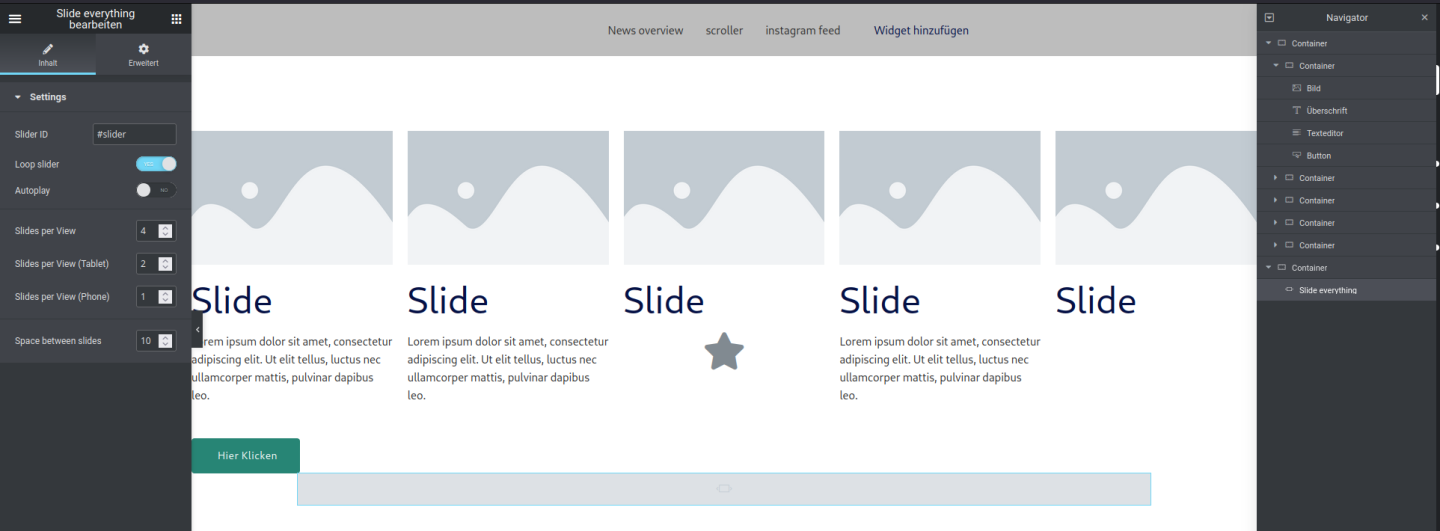
Editor view
安裝方式
- install Elementor
- install the plugin
- insert the widget
- create a container with subcontainers
- assign an ID to the outer container
- set the ID (with #) in the widget
使用者評論

2023 年 10 月 30 日
1 則留言
Enabling Plugin makes My Revolution Slider dissapear… When disable plugin - Revslider appear back. So plugin is cool, but i cant use cuz revslider issue.

2023 年 10 月 27 日
Does what it should do: For people with technical background very easy to set up.

2023 年 7 月 6 日
5 則留言
I have been looking for a plugin that makes a carousel out of containers for a long time. This one is the best!
please note that there may be some inaccuracies in the display if the Autoptimize plugin is installed

2023 年 2 月 15 日
3 則留言
After installing, it made my website inaccessible
參與者及開發者

變更記錄
1.5.0
* tested with WP 6.5
1.5.0
* Fix arrow colors
1.4.0
* New output method that adds another
<
div> around each slide to keep more Elementor settings (e.g. padding).
1.3.0
* add Mouse wheel switch, bugfix for boxed containers
1.2.0
* fix arrows for new Swiper version
1.1.0
* arrow styles and absolute positioning
1.0.7
* tested with 6.1.0
1.0.6
* add slider for pagination position
1.0.5
* use multiple sliders in one page
1.0.4
* pagination and arrows
1.0.3
* some more output/info
1.0.2
* fix center slides bug
* add # automatically if missing
1.0.1
* Center slides
1.0.0
* Initial release.