
外掛說明
The Plugin Simple SEO Criteria Check fosters to get a better ranking in Google.
This will by supported by
- lists all your post’s permalinks and its URL lenght
- list all your post’s images, alt tags, filename and further meta data
- lists all internal and external links within a post
- progress bar shows your SEO health accordingly
Available in English and German
This checklist helps you which deciding which post links, post image data must be adjusted to have a more SEO friedly website.
Make Google happy! 😉
The plugin is written by Janine of Blapps.eu.
螢幕擷圖

Screenshot internal and external link structure screenshot-1.(png|jpg|jpeg|gif). 
Screenshot images and meta information screenshot-2.(png|jpg|jpeg|gif). 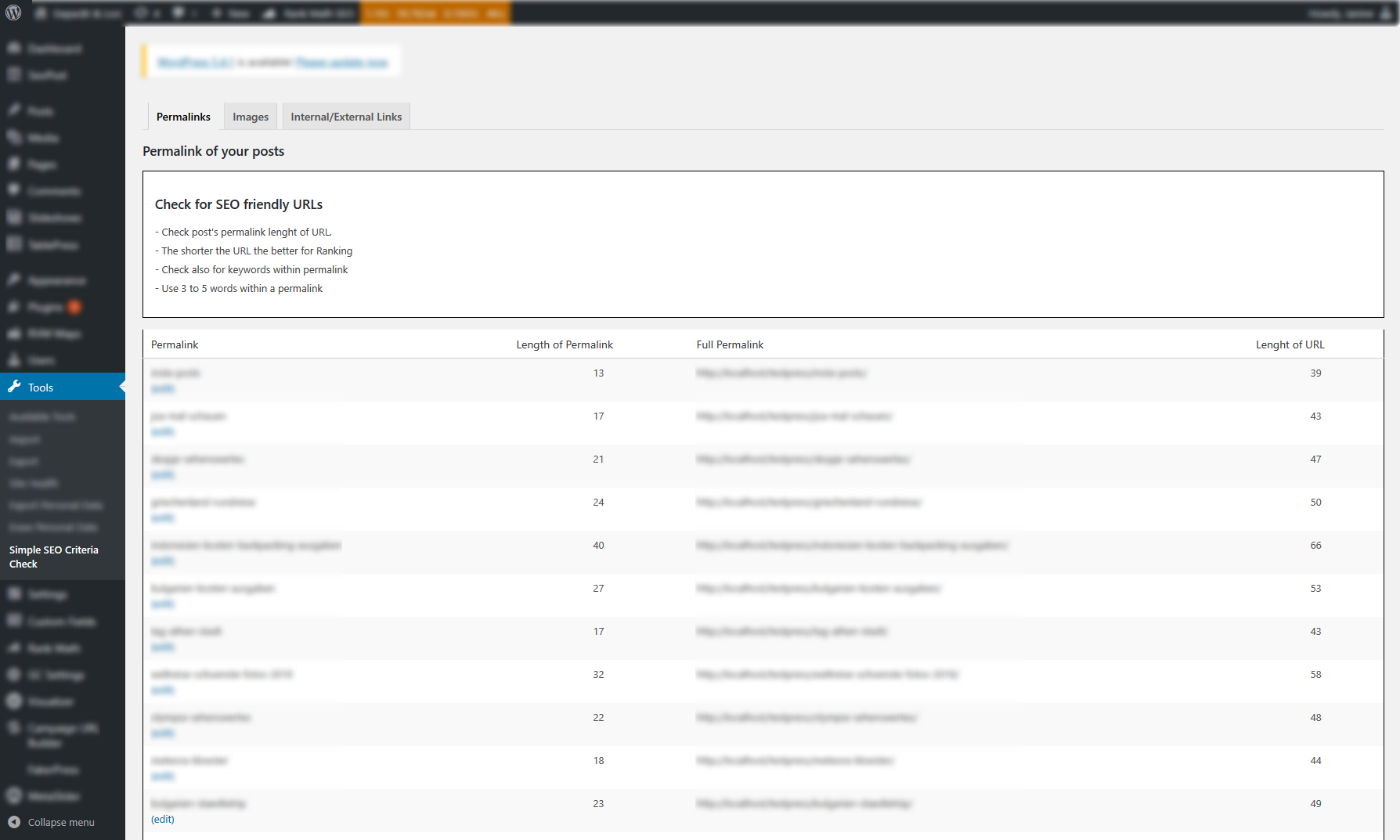
Screenshot permalink structure screenshot-3.(png|jpg|jpeg|gif).
安裝方式
From your WordPress dashboard
- Visit ‘Plugins > Add New’.
- Search for ‘Simpe SEO Criteria Checklist’.
- Activate Simpe SEO Criteria Checklist from your Plugins page.
From WordPress.org
- Download Simpe SEO Criteria Checklist plugin.
- Upload the ‘simple-seo-criteria-checklist’ directory to your ‘/wp-content/plugins/’ directory, using your favorite method (ftp, sftp, scp, etc…)
- Activate Simpe SEO Criteria Checklist from your Plugins page.
Once Activated
- Visit WordPress dashboard sidebar in ‘Tools > Simpe SEO Criteria Checklist’.
- Click the Tab “Permalinks” to get a list of all your current permalinks to make adjustments.
- Click the Tab “Images” to get a list of all your post images and images meta data, such as alt tags
- Click the Tab “Internal/External” to get a list of all your post and corresponding internal and external links.
常見問題集
-
Where can I learn more about SEO friendly urls?
-
Visit Neil Patel’s Website for compresensive documentation on SEO friendly URLs https://neilpatel.com/blog/seo-urls/
-
How do I change permalinks?
-
Permalinks can be changed within the post page. Use a redirection plugin to ensure old URLs are still accessible.
-
How do I change images file names?
-
Unfortunately, changing or renaming the images file name is not possible via dashboard. To make this possible, you need a plugin or upload new images (with a better filename) instead.

參與者及開發者

變更記錄
2.6
Ready for WP 6.3
2.5
Ready for WP 6
2.4
Added screenshots
2.3
Updated image file name display
2.2
Minor bug fix to Image Tab
2.1
Adjustments to Menu for SEO check for images
2.0
Added Alt Tag check for images for better SEO
1.4
Language updates
1.3
Minor bug fix
1.2
Minor text changes
1.1
Adjusted readme and settings text
1.0
Initial release