
外掛說明
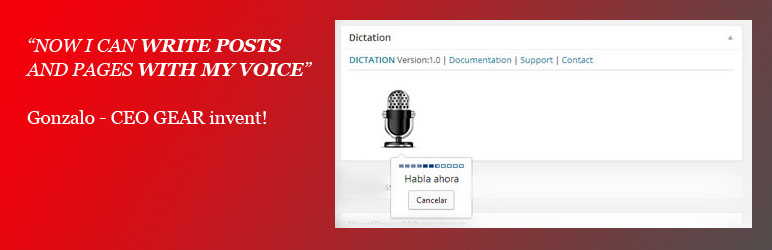
Dictation (Speech Recognition) adds an interactive MIC icon to the wordpress editing screens. When editing a Post or Page just click on MIC icon and start talking.
The plugin will automatically insert the converted text from voice into your blog!
Key Features
- Dictation (Speech Recognition) is based on the latest Google API
- WordPress MultiSite compatible
- Custom post types are supported
- Easily use your voice in the standard post edit and page edit screens
- Real-time voice to text converter using Chrome on Desktop
Home Page |
Documentation |
FAQ |
Support
Upgrade
- Deactivate your old version
- Follow the installation instructions to install the new version
螢幕擷圖

安裝方式
See full Installation intructions and Documentation 1. Install and activate the plugin through the ‘Plugins’ menu in WordPress 2. You should now see a MIC icon in the ‘edit posts’ screen
Home Page | Documentation | FAQ | Support
使用者評論
這個外掛目前沒有任何使用者評論。
參與者及開發者

變更記錄
The full Dictation (Speech Recognition) change log available here: Change Log
1.0.1
- Added Spanish Translation
1.0
- First Version: launching first version of Dictation (Speech Recognition)